


Your recipes are yours, and you can take a copy of them whenever you want. Export lives in Settings › Export.
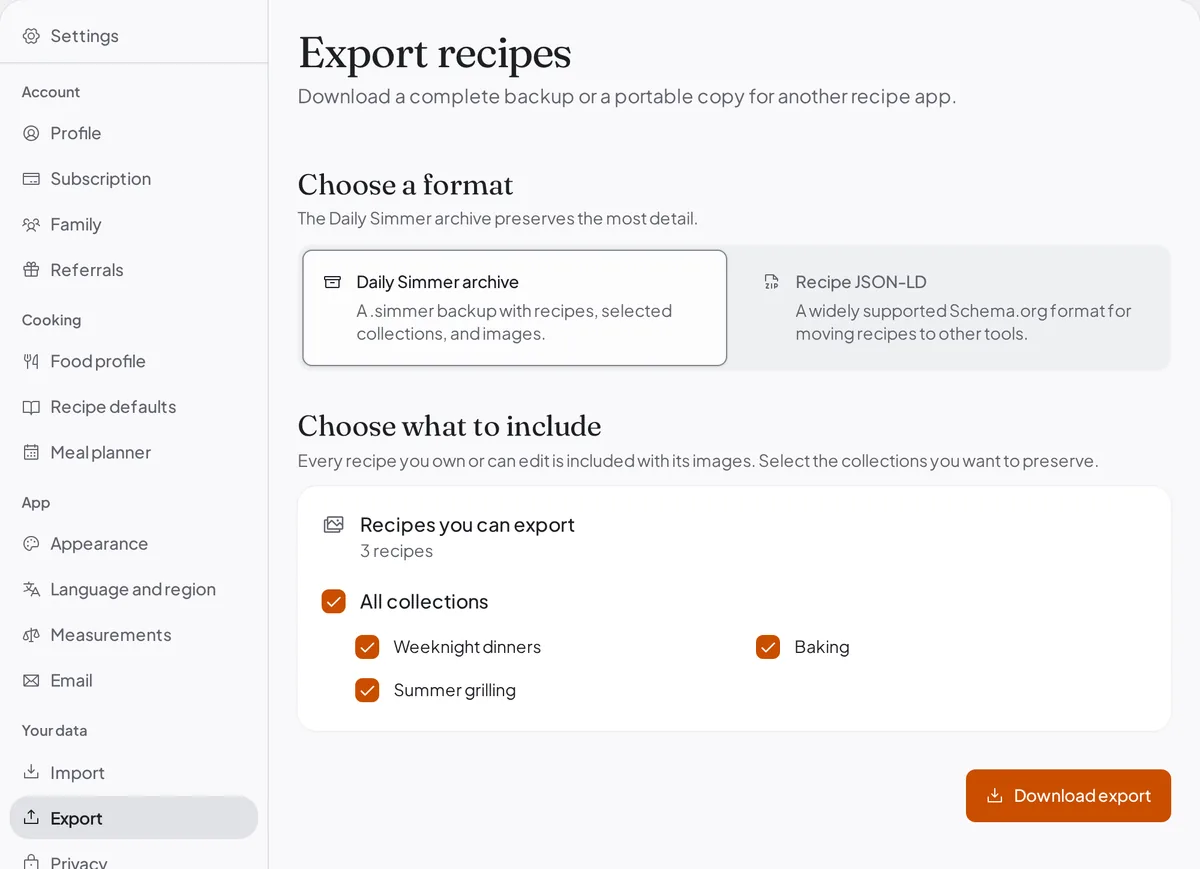
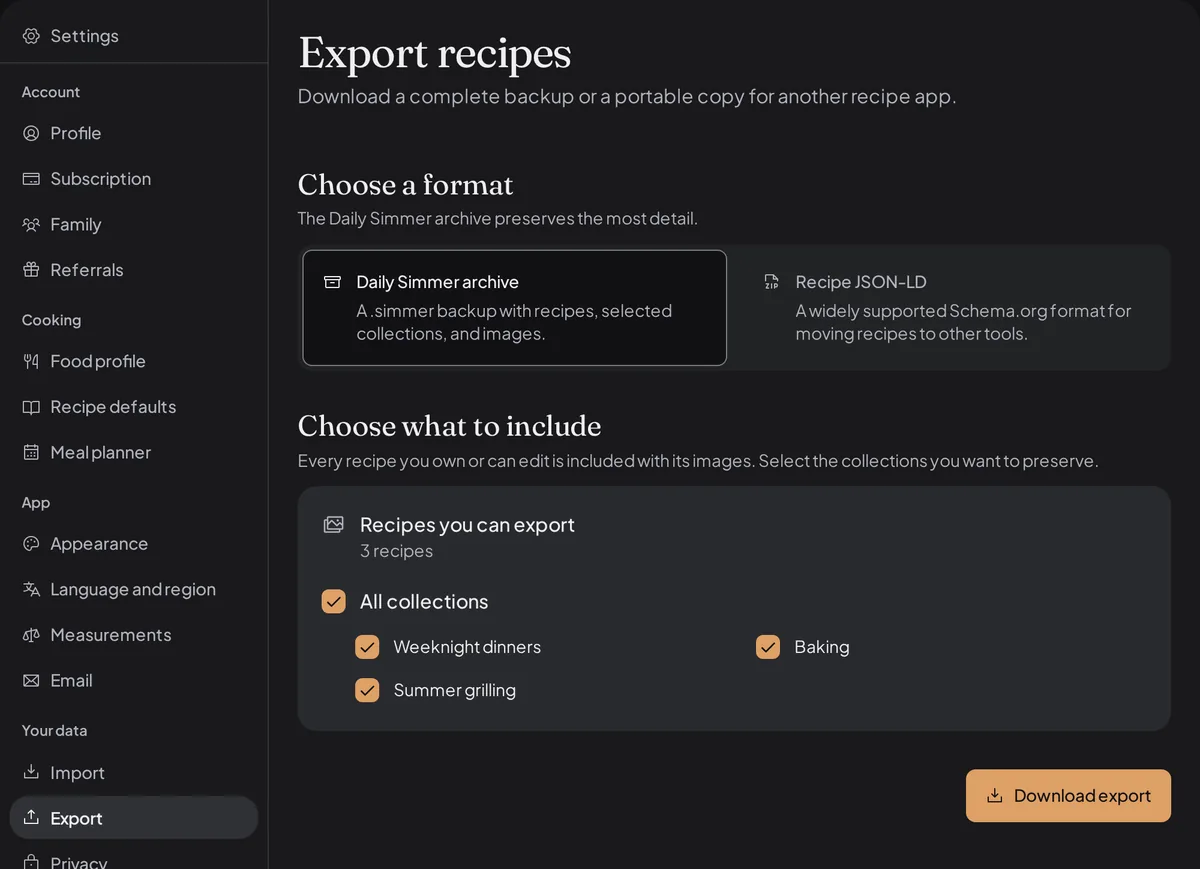
What an export contains
Every recipe you own or can edit, with its images. Recipes that were shared with you as a viewer stay with the person who owns them and are not included: an export is a copy of your library, not of everyone else's.
With the Daily Simmer archive you can also choose which of your collections travel with the export. All of them start ticked, so the way you organised your recipes survives the move rather than arriving as a flat pile.
The two formats
Daily Simmer archive (.simmer) is our own format and the one to take if you might ever restore it.
It is a versioned ZIP archive holding checksummed recipe files, the collections you chose, your images,
and a Schema.org Recipe copy of each recipe.
Recipe JSON-LD is the portable one, a single file in the Schema.org format that many recipe tools and scripts understand. It links to your images rather than including them, it leaves out what the standard has no place for, such as notes and ingredient groups, and Daily Simmer cannot import it back.
Take the .simmer archive if you want a backup. Take the JSON-LD if you want to do something with
your recipes elsewhere.
Restoring an archive
A .simmer archive goes back in through Settings › Import: choose the Daily Simmer tile and
upload the file. Images and the collections the archive carries come back with the recipes. Restored
collections start private. A recipe an earlier restore already brought back is skipped, unless it has
changed since: then it is marked Imports as a copy and arrives as a separate recipe, so the one in
your library stays untouched.
Restoring is careful by design. Your archive is unpacked and checked in your own browser before anything is saved, the declared checksums are verified, and archives that look unsafe, such as oversized entries or suspicious compression ratios, are rejected rather than opened. A restore that has to retry reuses the recipe and collection identities it already established, so a hiccup partway through does not leave you with two of everything.
Getting a shopping list out
Shopping lists travel separately from recipes, and they have their own quick ways out:
- Copy as text, in the list's List options menu, puts the list on your clipboard, one item per line, ready to paste into any list app or a message.
- A webhook hands the list to another app directly, which is the one to reach for if you want it to land in Home Assistant or a Bring bridge. See Send your shopping list to another app.
All three send only what is still unchecked. Copy and Share write each item the way your list shows
it, such as 2 kg potatoes.
Deleting your account
Deleting your account is permanent. Take an export first if there is anything you want to keep: once the deletion goes through there is nothing for us to restore from.
Deleting your account ends a subscription or Plus Preview you started on the web: it does not renew, and you are not charged again. Deleting is not a refund or withdrawal request, so if you want either, ask before you delete.