


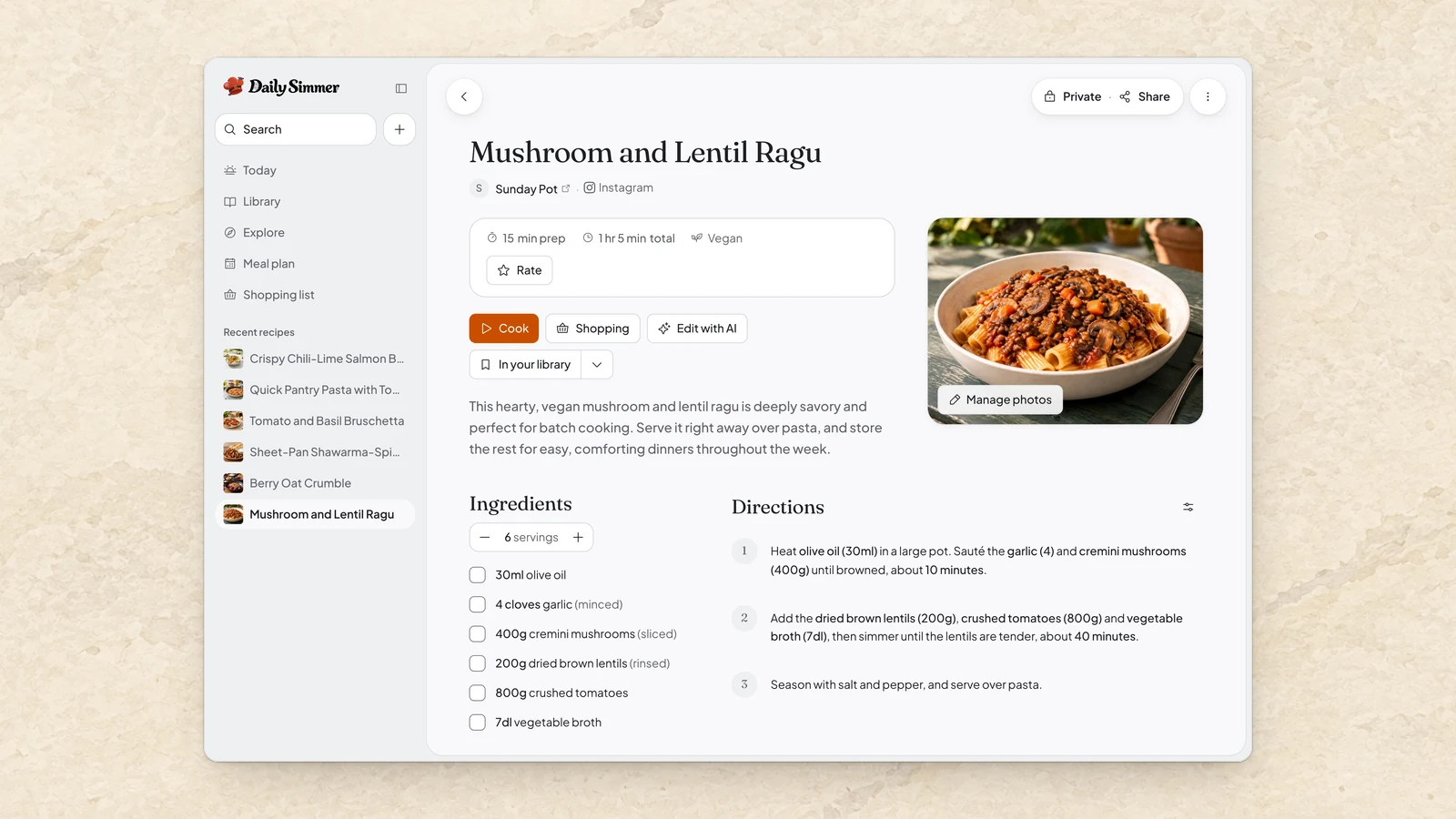
Paste a link, get a recipe
Found something you want to cook? Paste its link and we'll turn it into a clean recipe in your library, with the ingredients, the steps, a photo and a link back to where it came from. That works for recipe sites and for posts and videos on Instagram, TikTok and Facebook. For YouTube, it works when the video's description has the recipe written out.
When a link comes up empty, we'll tell you why and point you to what still works, like another link or writing it up yourself. A slow import keeps running in the background while you carry on, and the recipe is ready to open when it finishes.
Bringing in a post or video counts toward your AI usage.
Bring your recipes with you
Moving from Recipe Keeper? Upload its export in Settings and your recipes arrive with their ingredient groups, notes, labels and photos.
You can also export every recipe you own or can edit, with its photos and, if you like, your collections. A .simmer file restores into Daily Simmer whenever you need it, and a standard Schema.org copy is there for other recipe tools.
Photo Studio remembers your look
Photo Studio starts from a direction picked for your recipe, so you can make a photo straight away. Choose Change to preview other framing, scenes and atmospheres, and to set how far each new attempt can wander.
Found a look you love? Choose Remember it and your next recipe photos start from it, still shaped to each dish.
Improvements1
- Improved allergen labels on recipes the assistant writes, which now catch more of the ingredients you can't eat.