


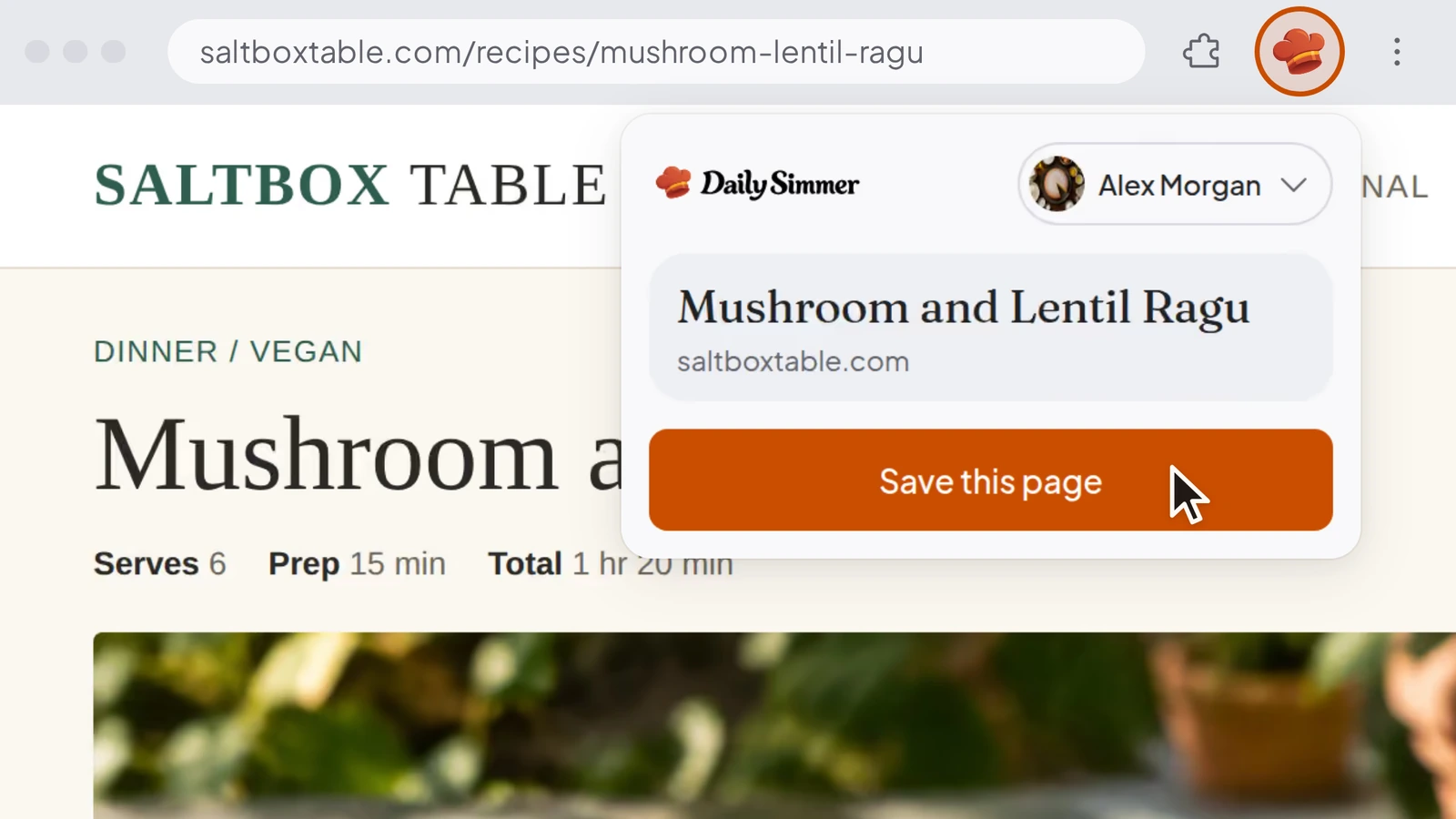
Save recipes from your browser
Until now, keeping a recipe from another site meant copying its link into Daily Simmer. Our extension for Chrome, Edge, and Firefox on a computer saves the page you're reading, or the recipe behind a link.
Connect your account once, then choose Save this page from its toolbar button, or right-click and choose Save to Daily Simmer. The recipe comes in while you keep browsing. The popup says "Recipe ready" when it's in your library, and Open recipe takes you to it. Until you connect, each save opens Daily Simmer in a new tab and imports the recipe there.
Bringing in a post or video counts toward your AI usage.
Improvements15
- You can now open Daily Simmer on the web without a connection, with the recipes, plans, lists and collections already on your device.
- When you're offline, we show how many changes are waiting to save, and ask before you log out with changes that haven't saved.
- You can now drag a recipe into the sidebar to pin it or add it to a pinned collection, or onto the cooking dock to start cooking it.
- Right after you sign up on the web, you can now tell us who you cook for, how you eat and what to leave out, then add your first recipe.
- Signing up with your email on the web now takes just the emailed code. One "About you" step then asks for your name and your username.
- You can now delete your account as a Family owner by choosing who takes over the Family, or by disbanding it.
- You can now remove any recipe from your Family's library, including one another member shared, and the cook who created it keeps it.
- On a recipe shared with you, only its owner can now choose the cover or remove other people's photos, and you can still remove the ones you added.
- When you share your profile, its link is now dailysimmer.com/@yourname, and older links to it still open it.
- You can now try Plan my week on the planner before you sign up.
- When your Family can see a recipe, adding its ingredients to your shopping list now starts on the Family's list.
- You can now empty a shopping list from its menu with Clear all items, and undo it.
- You can now start cooking a planned meal from its menu.
- When a recipe has estimated amounts, one note under the ingredients now says so, and pointing at it highlights them.
- When you cook in Fahrenheit, oven temperatures now read the way a US recipe prints them, so 200°C shows as 400°F.
Fixes15
- Fixed imports turning text from around the recipe on the page into ingredients or steps.
- Fixed imports asking for an amount when an ingredient line already gives one in words.
- Fixed some recipe pages failing to import on the first try.
- Fixed photos on imported recipes going blank on Library cards after a while.
- Fixed Continue with Google and Continue with Apple on the web leaving a new cook signed out instead of creating their account.
- Fixed the meal planner showing a week as empty when you were offline and it hadn't loaded yet.
- Fixed recipes we write for a meal idea using a food you avoid in more places than your note asked for.
- Fixed some milks and milk powders not marking a recipe as containing dairy when you save it or change its ingredients.
- Fixed Remixes and Simmer's edits that use dairy-free yogurts, creams or cheeses being marked as containing dairy.
- Fixed Remixes and Simmer's edits that use a plant binder in place of eggs being marked as containing eggs.
- Fixed recipes imported in Fahrenheit showing their oven temperature a degree off.
- Fixed recipes in US units showing "¼ cups" and "4 cloves garlic cloves".
- Fixed Simmer failing to adapt a saved recipe when the rewrite took longer than usual.
- Fixed Simmer saying it couldn't change a saved recipe when you asked from that recipe's chat.
- Fixed Plus showing the wrong plan, or still renewing after you cancel, when billing updates arrive late.