



Found a recipe on a website or in an Instagram reel? Paste the public link and Daily Simmer brings its ingredients, steps, servings, and timing into your recipe library. When the import finishes, the recipe opens so you can check it and fix anything the source left unclear.
Import a link
On the web, choose Add recipe in your library and paste the link into the Paste a recipe link... field. Pasting starts the import straight away; if you typed the link instead, choose Import.
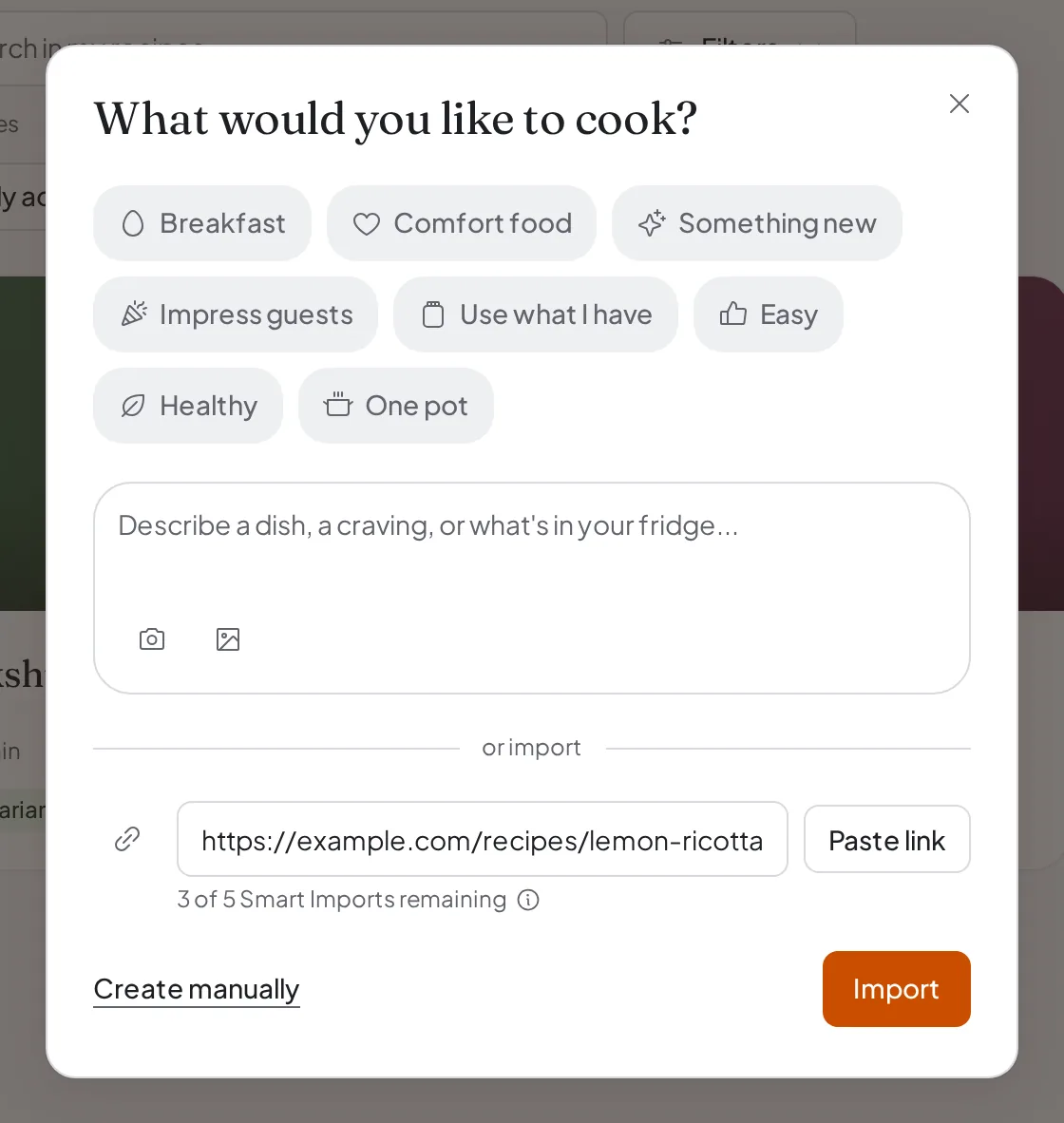
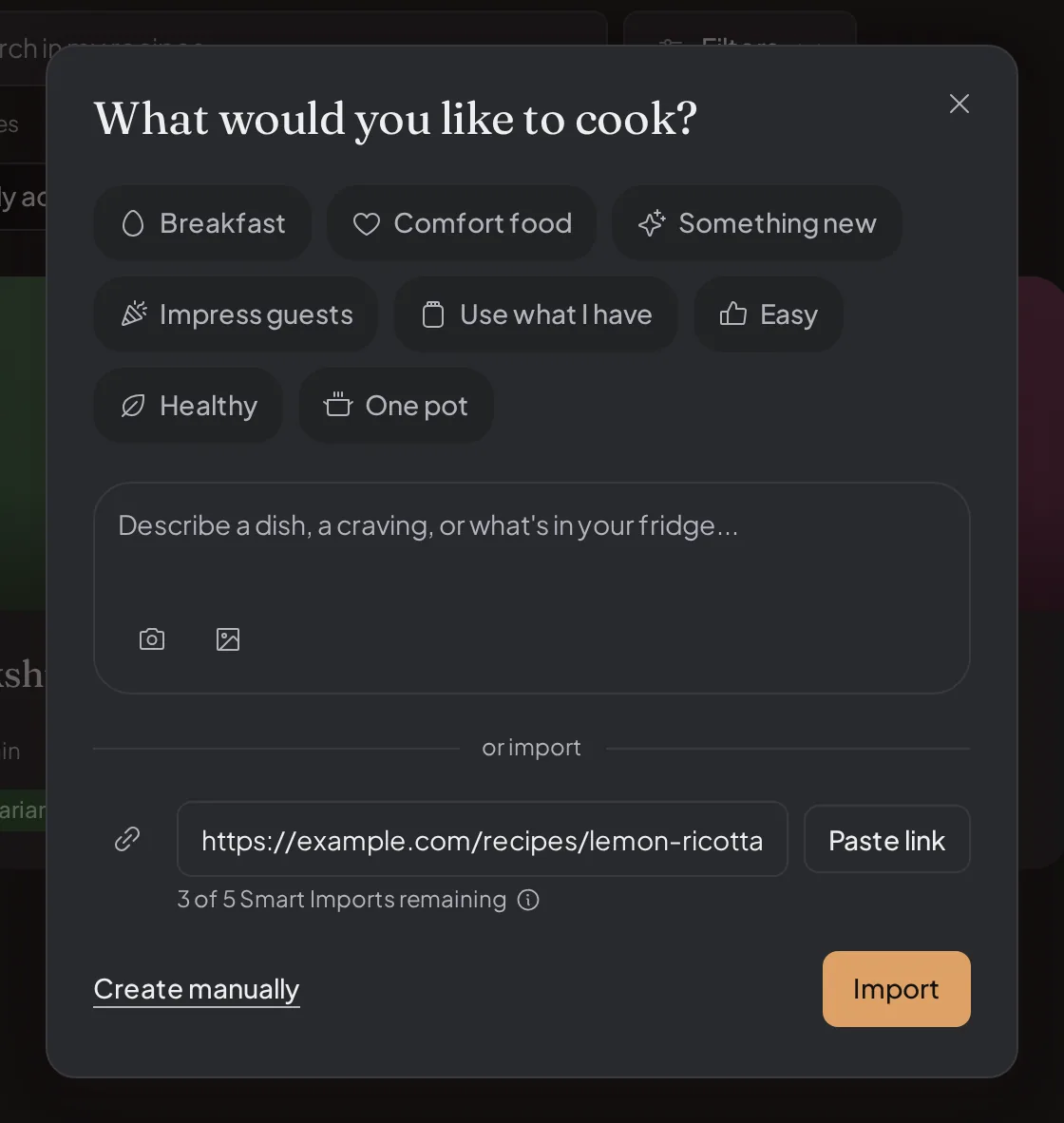
While the import runs, a progress page shows each step. The recipe is added to your library as soon as it is ready, so there is nothing extra to save. You do not have to wait on that page: choose Go to your library and Daily Simmer keeps importing and tells you when the recipe is ready.
Basic Import and Smart Import
Every recipe website link starts with Basic Import, which reads the recipe details the page itself provides. That is enough for most recipe websites. Basic Import uses no weekly AI usage or credits, and there is no separate limit on how many you run.
Some links need Smart Import, which reads the page or post more closely:
- Instagram, Facebook, TikTok, and YouTube posts always need Smart Import.
- A recipe page Basic Import cannot read is handed to Smart Import once, automatically. A page that no longer exists is not handed over.
When Smart Import takes over, the progress page labels the run Smart Import and says it is stepping in. You do not need to start it yourself.
What Smart Import uses
- Free includes five successful Smart Imports each monthly period. After those five, wait for the next period or upgrade to keep going.
- Cookbook and Plus use your weekly included AI usage first, then credits.
Only a Smart Import that creates a usable recipe counts. A failed one uses nothing.
For now, when Smart Import picks up a recipe page Basic Import could not read on its own, it uses nothing on any plan: none of Free's five Smart Imports, no weekly AI usage, and no credits. A Smart Import you start yourself, including with Use Smart Import after a Basic Import fails, uses the plan amounts above, and so do Instagram, Facebook, TikTok, and YouTube posts.
The Free plan's recipe limit
On the Free plan, your library holds up to 25 recipes. Every recipe you import counts toward that limit, along with recipes you create and recipes you Save. Recipes you can open through your Family, a direct share, or a collection do not count. When the library is full, an import stops before it adds anything and tells you so.
Instagram, Facebook, TikTok, and YouTube
Daily Simmer reads public posts from these four services as a signed-out visitor. It does not log in as you or work around a login wall. If a post is private, age-gated, or only visible after sign-in, open it yourself and add the recipe manually.
Importing from a chat or a new recipe conversation
You can also paste a link into a conversation with the assistant. It tries Basic Import first. If the link needs Smart Import, the assistant asks before running one.
On the web, Add recipe in Chats opens a new recipe conversation with an Import a recipe from a link option. An Instagram, Facebook, TikTok, or YouTube link pasted there continues as Smart Import on its own, and a recipe page Basic Import cannot read is handed to Smart Import. On Free, when your five Smart Imports are used up, the import offers an upgrade to Plus.
If no recipe comes back
The progress page explains what went wrong and offers the next steps that apply, such as Try again, Use a different link, Open the page, or Paste recipe text. When Smart Import could still read the link, it also offers Use Smart Import. Paste recipe text opens the recipe composer, where you paste the full recipe from the page and Daily Simmer turns it into a recipe for you to review.
If the source names the ingredients and steps but leaves out something essential, such as the amounts, how many it serves, or an oven temperature, the progress page names what is missing. Choose Create my recipe and Daily Simmer estimates those details, saves the recipe, and marks what it estimated. You can change anything on the recipe page afterwards. To check what was read first, open What we found. Skip it creates nothing.
Some websites block imports, and pages behind a login, paywall, or age gate cannot be read. For those, open the page yourself and add the recipe manually.